|
|
|
|
Chat Guide step by step: [ ជាភាសាខ្មែរ ]
Step 1: Click on Chat button at the footer of site

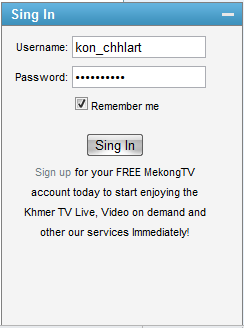
Step 2: Use your username and password to sign in and then click on Sign in button
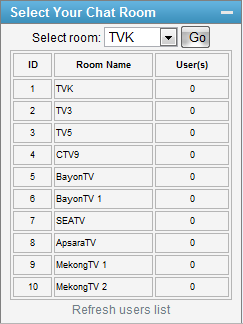
Step 3: Choose a chat room you like and then click on Go button
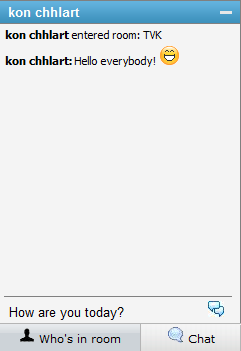
Step 4: Type some text in textbox below and then press Enter key
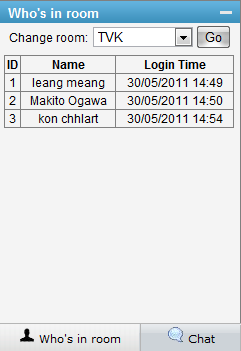
Step 5: You can click on Who's in room button to see all users in your room and you can change your chat room by select a new one and then click on Go button
|
|
|
|
|
|
|